


Operations & Systems
Barbershop Operations: The Systems Problem Most Shops Never Diagnose
Ask most barbershop owners how their week went and you'll get a real answer.
Ask them what their client retention rate was last month, and you'll get a pause.
Not because they don't know their business. Because the number that would answer that question is sitting across three different systems that were never designed to talk to each other. The booking app has one piece. The POS has another. The spreadsheet that's supposed to reconcile them both hasn't been updated since March.
That's the operational gap most shops are living with. Everything works in isolation. Nothing works together.
This guide is organized around one argument: most barbershop operations problems trace back to the same root. Scheduling chaos, no-shows that slip through, payout calculations that take hours, reporting that doesn't tell you anything useful. In most cases, the connective tissue that should be holding all of it together is the POS. And in most barbershops, the POS is the least connected system in the shop.
Each section below covers one operational area, what the failure looks like when the POS is disconnected, and where to go to fix it.
SQUIRE connects scheduling, payments, no-show protection, Auto Payout, and reporting in one system built specifically for barbershops. See how it works.
One Root Cause, Five Symptoms
When something breaks operationally, shop owners usually diagnose the symptom.
No-shows are up. Must be the clients. Payouts take two hours every week. Must be a math problem. The reporting doesn't tell them anything useful. Must be the wrong metrics.
The actual diagnosis is almost always the same: the systems aren't connected. Booking, POS, payouts, and reporting were set up separately, at different times, to solve different immediate problems. They coexist on the same device but they don't share data. That means every hand-off between them requires a human, a manual step, or a spreadsheet to bridge the gap.
The POS is where those hand-offs should happen automatically. It sits at the intersection of every transaction: a client books, a service is rendered, payment is collected, the barber gets paid, the data feeds the report. When the POS is integrated with the rest of the stack, that chain runs itself. When it isn't, every link in that chain is a manual task.
Most barbershops didn't set it up this way on purpose. They built their stack one problem at a time. Needed a booking app, found one. Needed a way to take cards, found one. Needed to track some data, added a spreadsheet. Three tools that each work fine in isolation. None of them talking to the others.
The fix rarely requires replacing everything. It usually requires connecting one gap that's generating the most friction, and then the next. But the right starting point is diagnosing which gap you're actually dealing with, and most shop owners haven't done that clearly yet.
Shops running on disconnected systems lose five to ten hours per week to admin work that an integrated setup would handle automatically.
The sections below show what that looks like in each operational area: scheduling, no-shows, payouts, inventory, and reporting. Each section names the symptom, traces it to the disconnected stack, and points to the spoke where the specific fix lives
Scheduling: When Booking and Your POS Don't Share Data
The scheduling failure most shop owners notice is a booked client who doesn't show. The failure they don't notice is everything that happens after that because the booking and the POS are separate.
Most shops track their no-show rate by feel. A few bad weeks and it seems high. A good run of Saturdays and it seems fine. Without a system that connects booking data to payment data, there's no clean number to look at and no mechanism to act on it automatically when it rises.
When a client books through a standalone booking app and pays through a different POS, nothing connects the two. The appointment exists in the booking system. The payment exists in the POS. The no-show protection that would charge a fee for a last-minute cancellation requires card information to be on file. That means the booking system and the POS need to share that information. When they don't, the no-show policy has no teeth.
The same disconnect shows up on busy days. A shop running walk-ins and appointments on two separate systems has no unified view of real-time capacity. The booking system shows booked slots. The walk-in queue exists in someone's head or on a clipboard. The two never reconcile, which is why Saturday mornings turn into a guess about how many more people you can actually take.
A POS that's connected to the booking system means walk-in capacity, appointment slots, and waitlist all live in the same place. Staff can see actual availability. Clients checking in get a real wait time. No one is managing two systems at once.
FAQs
10 articles found. Page 1 of 1.
Articles

The Pen-and-Paper Tax: What 5-10 Hours a Week of Manual Admin Actually Costs
September 16, 2026
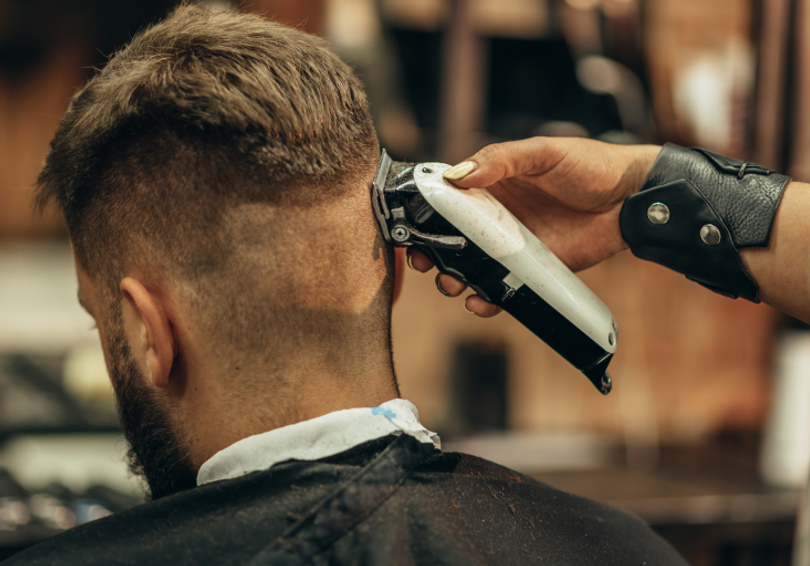
Barbershop Peak Hours Have Shifted: The 5 O'Clock Cut Is Gone
June 24, 2026

Barbershop Walk-In Management: How to Run a Full, Calm Saturday
June 12, 2026
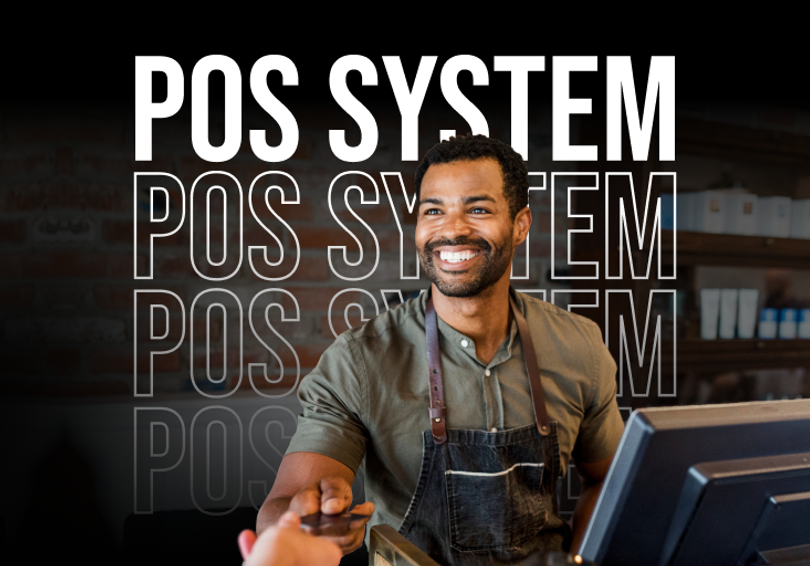
Barbershop POS System: What to Look For and What to Avoid
June 10, 2026

How Much Do No-Shows Cost a Barbershop?
June 1, 2026

The Barbershop Operations Playbook: How to Run Scheduling, Payments, Inventory, and Payroll Without the Chaos
May 29, 2026

Barbershop No-Show & Cancellation Policy Guide
February 15, 2024

How Barbers Can Set Themselves Up For Success During–and After–Busy Season
November 28, 2023

Barbershop POS Systems: The Real Cost of Going Cash-Only
November 10, 2023

Top Ways Barbers Waste Time (and Cost Themselves Money) When Not Cutting Hair
November 6, 2023